parallel logo

KYC software for law firms

Keep your client AML complete and up to date

Free up your compliance team for what they can't delegate

Parallel digitizes your firm's AML process from client onboarding. It keeps it up to date as the client opens new matters, with the full audit trail ready for an inspection.

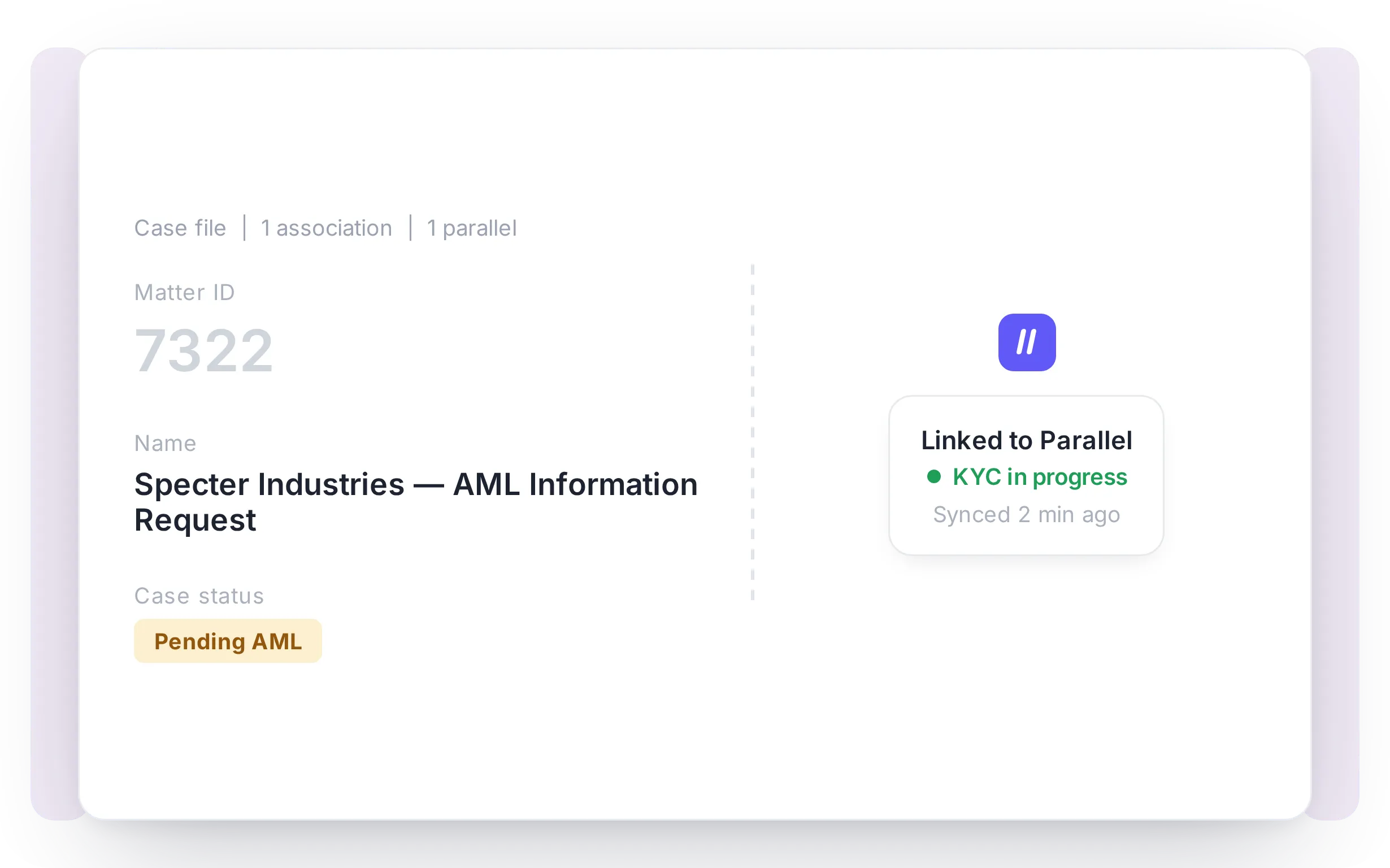
The file of a client in Parallel, with its AML form, its documents and its status

The biggest AML pain points at law firms

At a law firm, AML is a process that's almost never closed

  1. Repeated information requests wear down the client experience

    The same information gets requested multiple times, across different channels, at different moments.

    The client ends up answering the same questions over and over, and the relationship with the firm wears thin, even when the legal work itself is first-rate.

  2. The client's information gets out of date

    To avoid bothering the client, reviews are spaced out and information is only updated at specific points.

    Between reviews, anything that changes on the client side stays out of the file, and the firm loses sight of where the client actually stands.

  3. When inspection lands, the audit trail is what's missing

    The information exists, but scattered: the ID copy in an email, the UBO certificate in a folder, the screening in a PDF from three months ago, the scoring in a team spreadsheet.

    What's missing is connected evidence, who reviewed what, when, under what criteria, under which version of the manual.

Our solution

One platform for your firm's full AML cycle

Parallel connects the full AML cycle, matter opening, identification, scoring, screening, refresh, signature, and audit, with the systems your firm already uses.
No tool-switching. No side-channel emails.

Parallel connected to the matter management and document management systems of a firm

Integrates with the platforms you already use

Parallel connects to your matter management and document management systems. Information flows between systems, but master data is never modified without human validation.

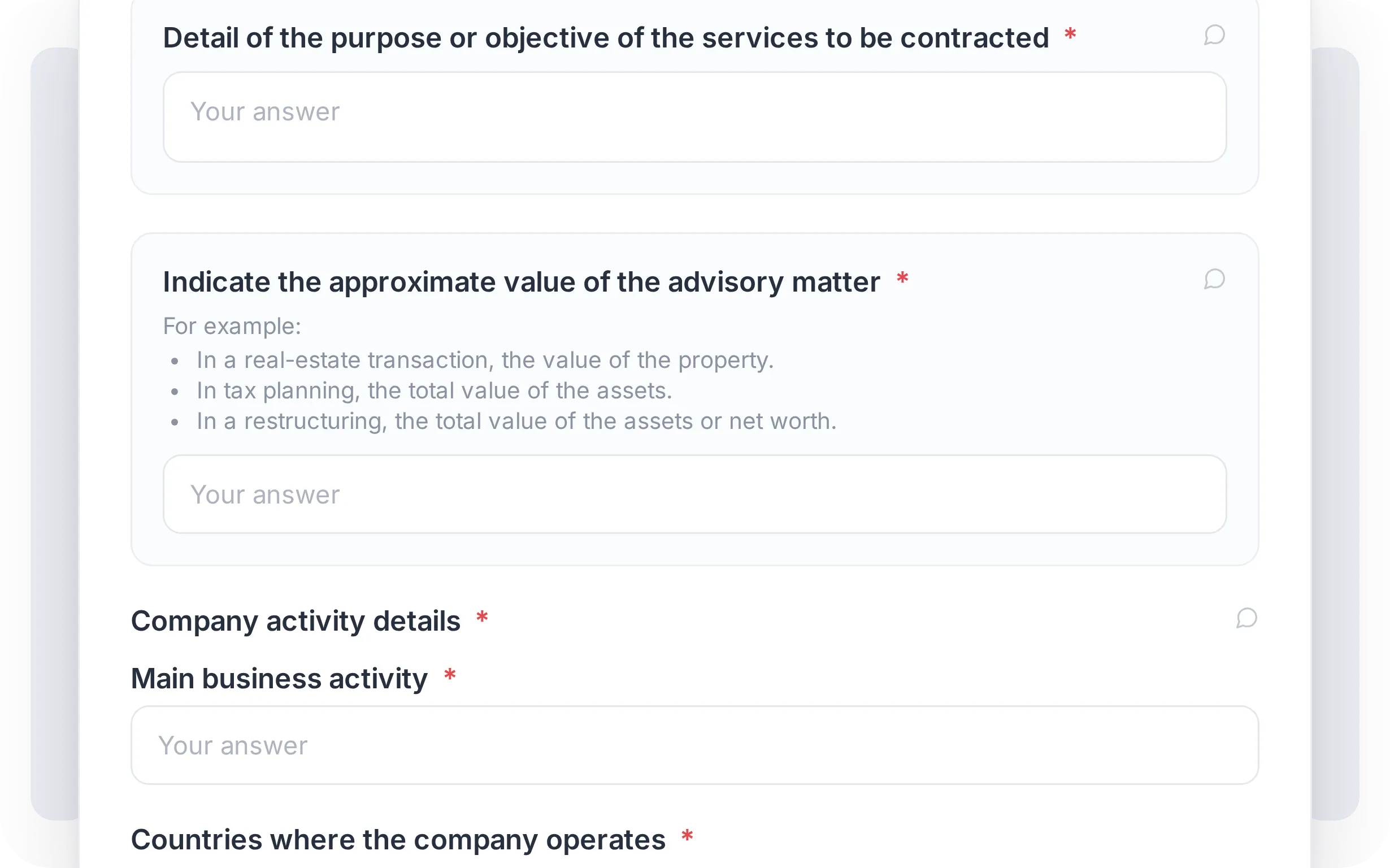
The AML form a client fills in, adapted to their profile

Form tailored to the client

Your client gets a link, not a 40-page Word doc. The form adapts to their profile: individual, company, or complex structures with multiple UBOs or signatories. Multi-language, and validated against your firm's manual.
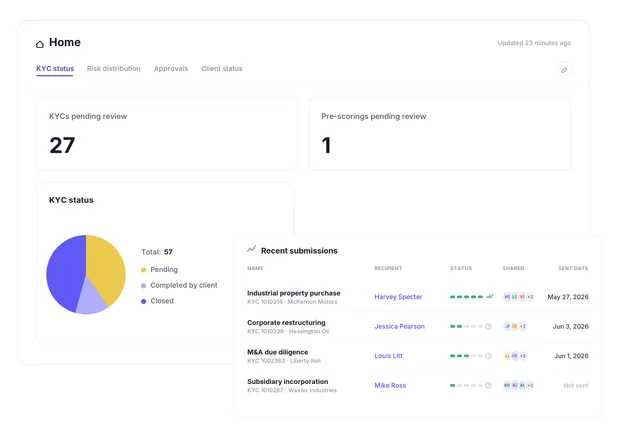
A dashboard with the status of every client file

Real-time tracking

A dashboard with the status of every client file. What's signed, what's missing, what's expiring, when. Real granularity. No parallel spreadsheets. No "let me request more info."
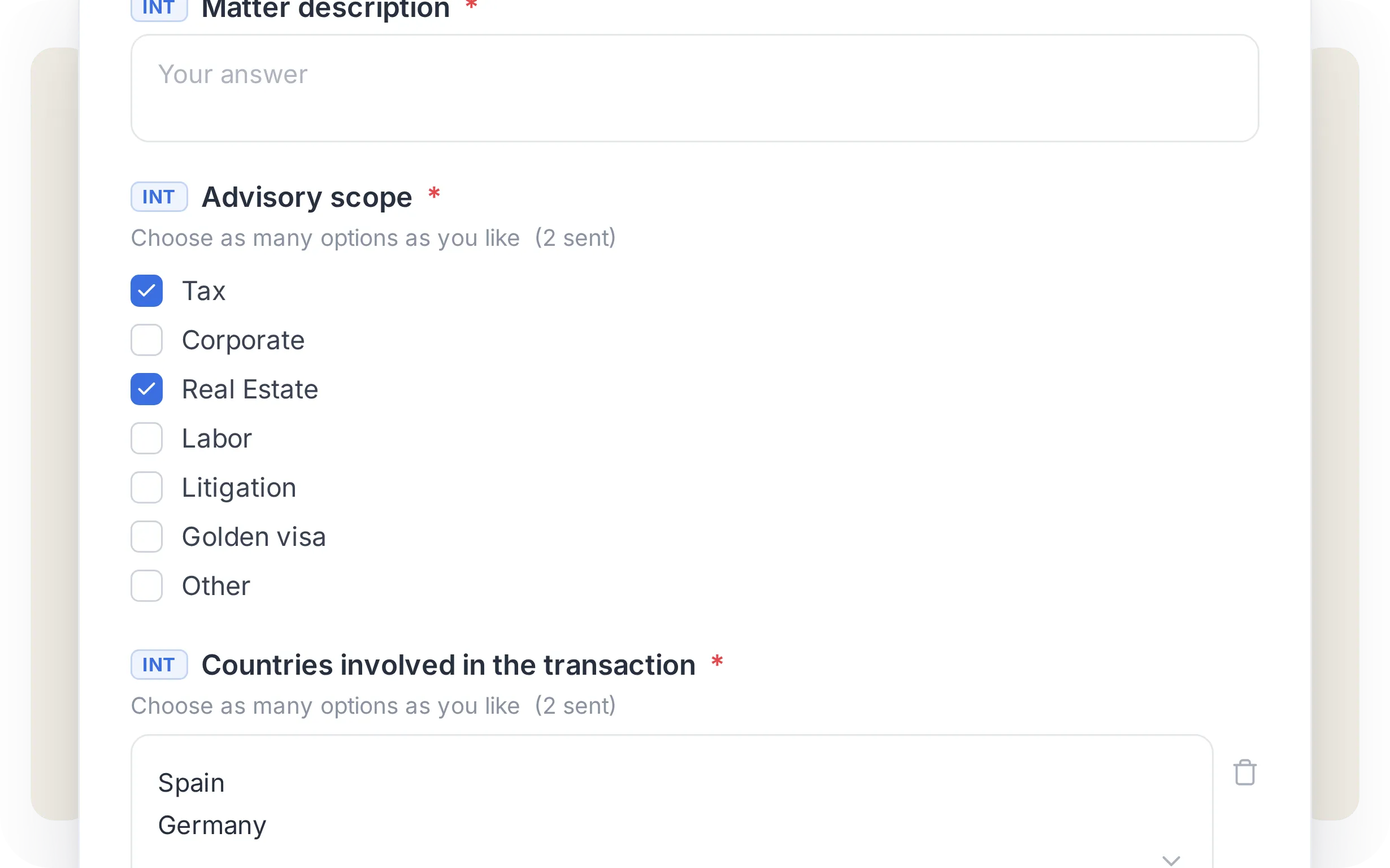
The risk profile of a client, checked before opening a matter

Pre-scoring before opening the matter

Before taking on a matter, the lawyer can check the client's risk profile. And every time a new matter opens, our engine recalculates the score across open files. The client stays live. So does the monitoring.
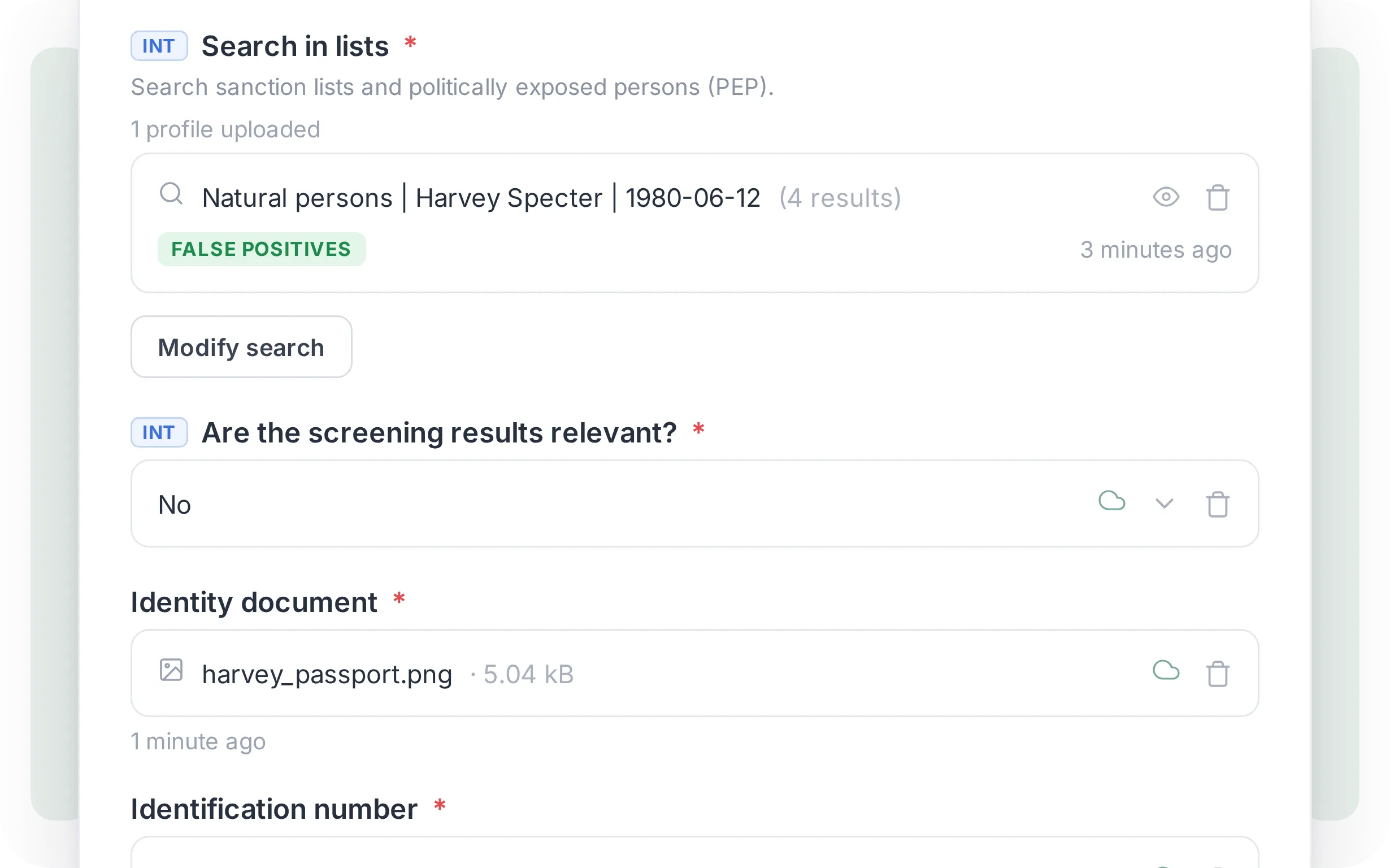
The screening of a client against PEP, sanctions and adverse media lists

Screening against official lists

PEPs, sanctions, and adverse media in the same flow, no tool-switching. The result is linked to the client file with a timestamp.
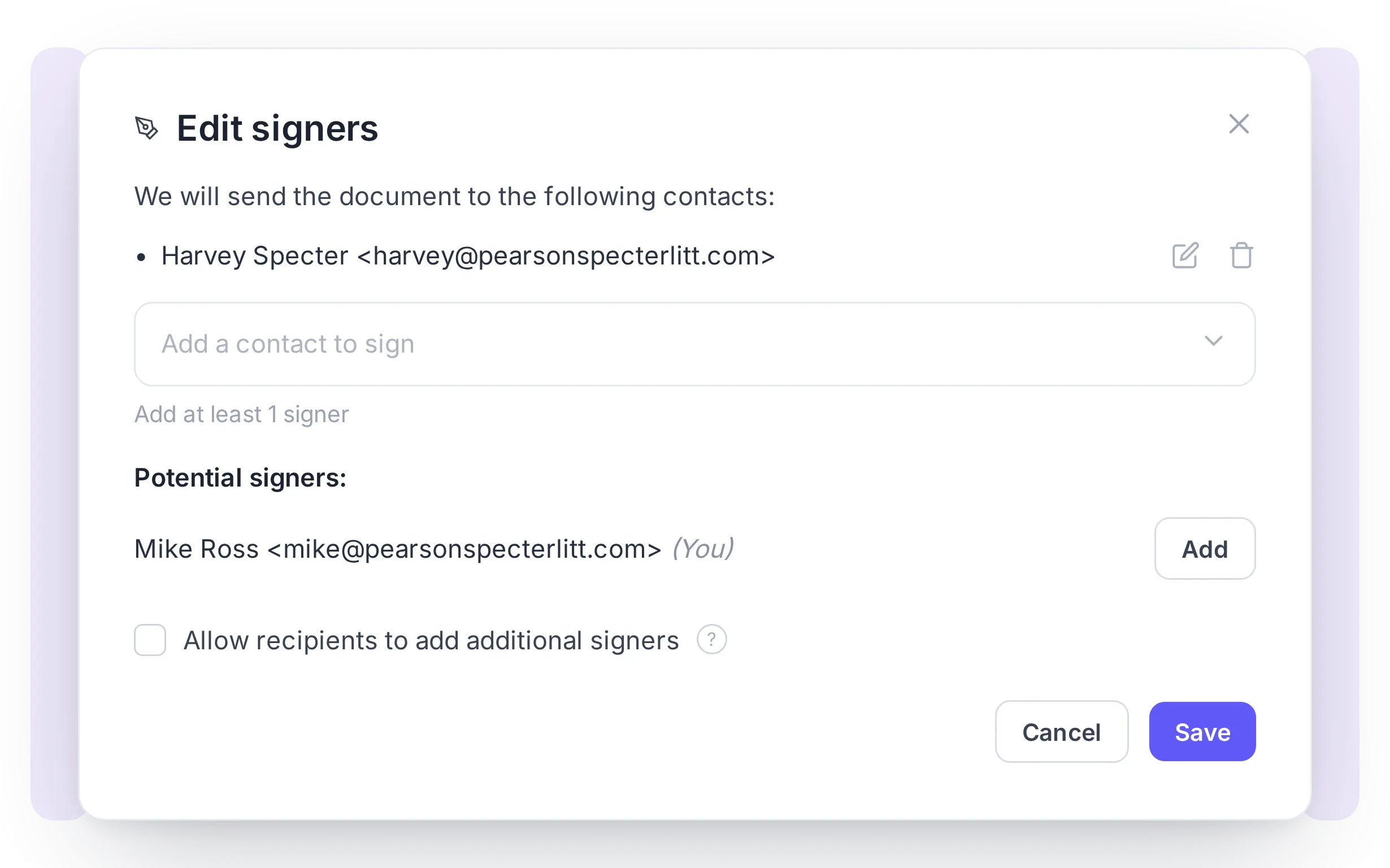
An engagement letter signed electronically inside the client file

Electronic signature

Engagement letters, UBO declarations, and classification letters, signed inside the file itself. Automatically linked to the client and the matter, with no printing, scanning, or lost PDFs.
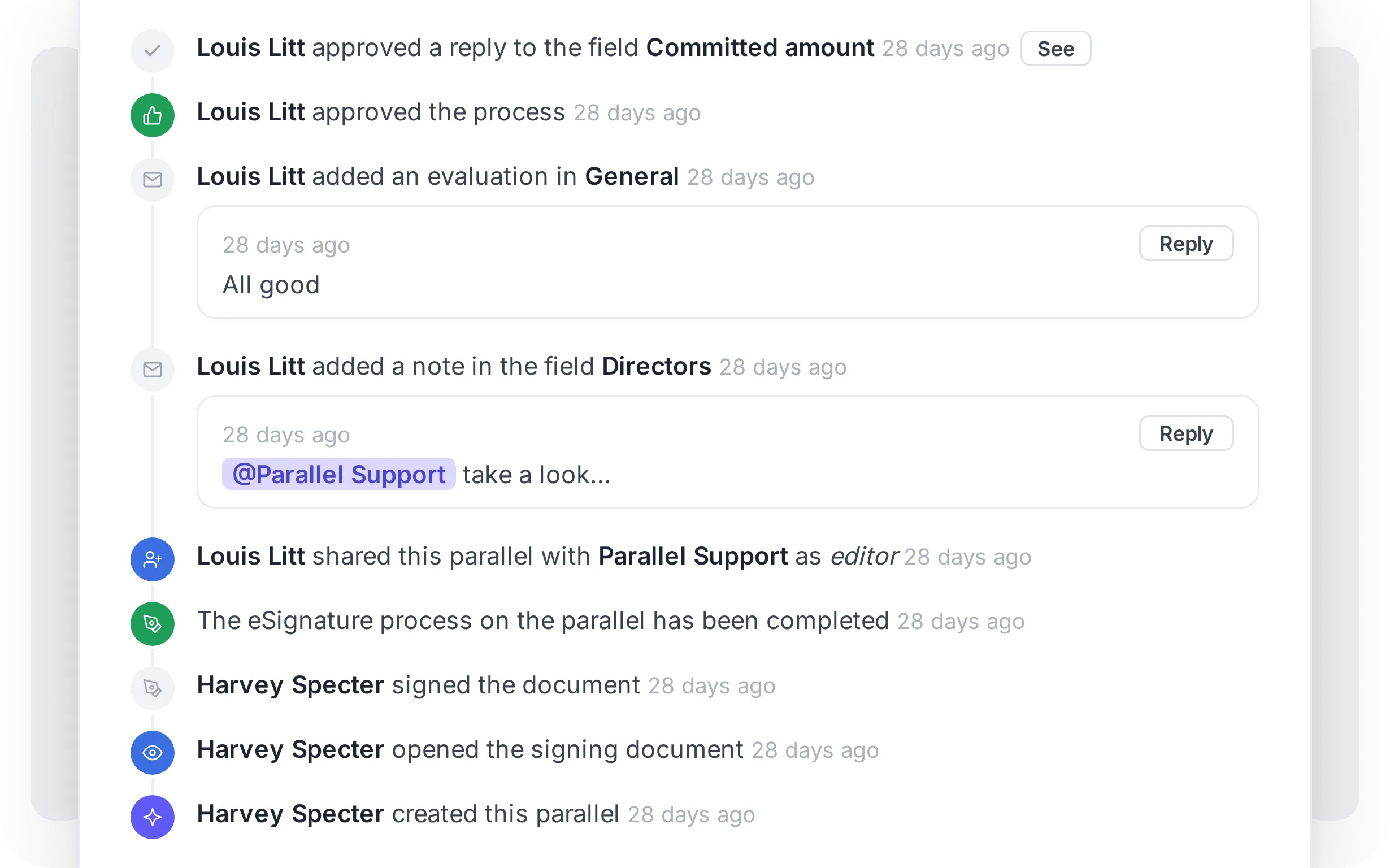
The audit trail of a client file: who requested, who reviewed, who approved, when

Audit trail ready for inspections

Every action logged: who requested, who reviewed, who approved, when, and under what criteria. Exportable in audit-ready format with a single click, ready for SEPBLAC inspections, OCI reviews, or internal audits.

Regulatory framework

Built to comply with AML/CFT regulations, SEPBLAC criteria, and data protection rules

Law 10/2010 on AML/CFT & Royal Decree 304/2014

Document identification, written risk classification, periodic screening, and 10-year data retention. Parallel covers it within the same flow, with no extra steps.

SEPBLAC criteria and the line with legal privilege

SEPBLAC doesn't ask for the closed file, it asks for the trail: who requested, who reviewed, who approved, when, and under what criteria. Parallel generates that audit log by default. And it respects the boundary of legal privilege: AML is managed only for matters subject to the obligation under Article 2.1.ñ of Law 10/2010, without touching documentation covered by the right of defense.

AEPD, LOPDGDD & GDPR

The client accepts data processing directly from the portal with their electronic signature. Your firm stops accepting terms on behalf of third parties, one of the most cited grounds for AEPD fines in the legal sector. The legal basis and retention periods are documented inside the file itself.
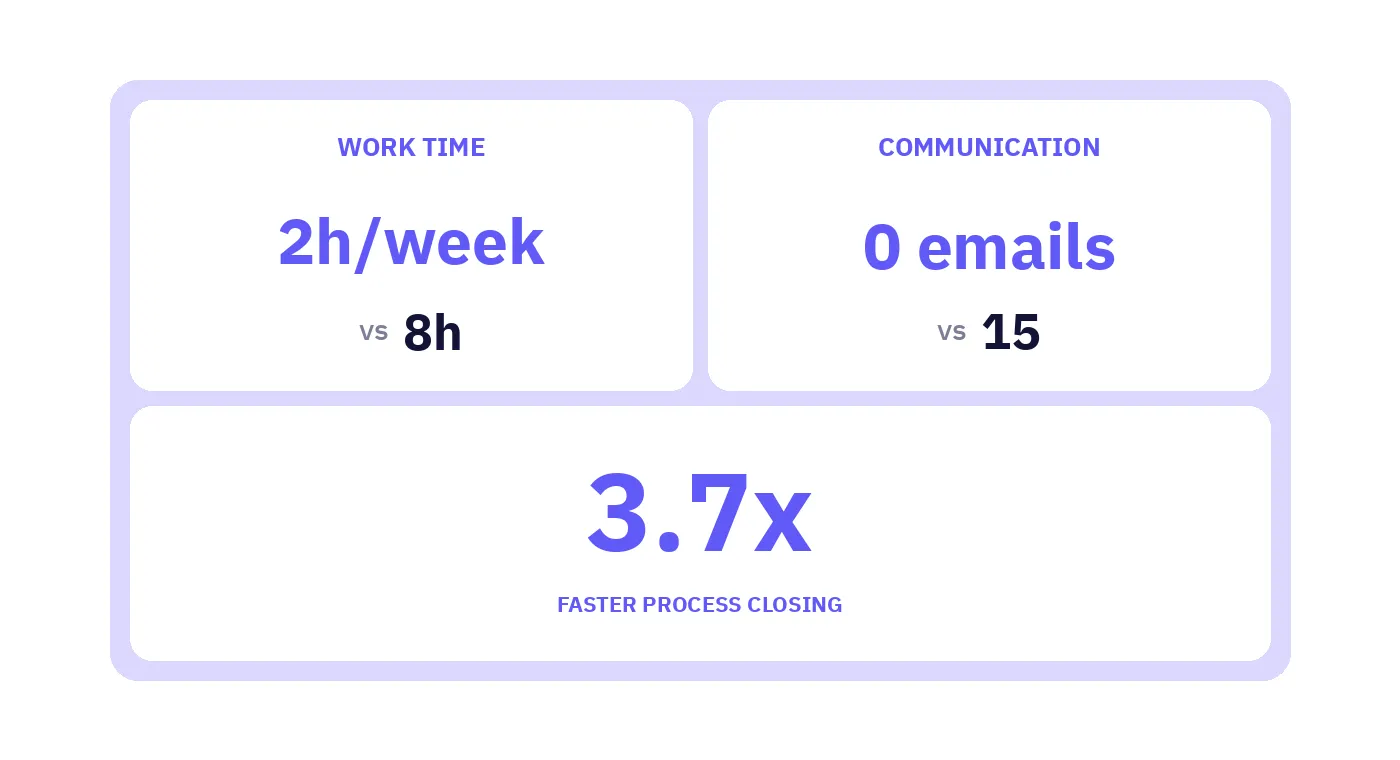
The results obtained in a real KYC case

Use case

We speed up client onboarding, the agile and secure way

Makes it easier to control and track AML compliance, and avoid fines for non-compliance.

Testimonials

What the law firms working with us have to say

Your information, secure and encryptedTLS security protocolsTwo-factor authentication

Security

We protect your clients' information

Our priority is making the experience as smooth and secure as possible, for you and for your clients.

  • Personalized, automated requests for client data
  • Smart document generation
  • Advanced electronic signature for documents

Frequently Asked Questions (FAQ)

If you don't see your question here, write to us and we'll get back to you in less than 24 hours

How does Parallel integrate with my CRM and ERP?

Parallel connects via API and webhooks to the systems you already use, Elite, SAP, Dynamics, and similar. When you open a new matter or client in your system, Parallel picks it up and kicks off the KYC cycle automatically.

The file information flows back, but master data is never modified without compliance team validation. Parallel powers the workflow, it doesn't replace it.

Does it work with our document management system?

Yes. Signed and validated documents are archived automatically in your firm's folders within iManage or NetDocuments, respecting your current structure.

The full file stays accessible from both the document management system and Parallel, with no duplication.

Do lawyers have to use Parallel day-to-day?

No. The compliance team, the technical unit, and the OCI work inside Parallel. Lawyers and assistants keep using their usual tools. When an action is needed, they get a notification through the firm's internal channels.

How does the risk scoring engine work?

It's configurable at three levels: client, matter, and the set of active matters. Your firm defines the factors, thresholds, and update frequency based on your AML manual.

Parallel runs the calculation automatically whenever a relevant event happens, new client, new engagement, ownership changes, or document expiration.

Can the form be configured for different jurisdictions?

Yes. Forms can be adapted to different jurisdictions, with custom fields, languages, and activity codes.

And if a client already exists in the system, they don't start from scratch, their information is reused across forms and categories.

How long does implementation take?

Between four and eight weeks, depending on the complexity of the integrations.

It includes configuring the scoring engine to your AML manual, designing approval flows, and team training.

Is your firm looking to improve its current AML process?

Book a call: the Parallel method

Choose what we may collect while you browse. You can change this whenever you want from the link at the bottom of any page.

  • Tools: Intercom

  • Tools: Google Analytics 4, Mixpanel, Canny, HubSpot

  • Essential

    Cookies the site cannot work without, including the one that remembers this choice.

    Always on