parallel logo

Create and send forms that save you effort

Streamline your legal team's processes through our smart forms. Save time, gain control.

Book a demo
Video showing the look & feel of the smart forms.
Video showing a progress bar being completed

One feature, different solutions

Smart forms will be useful for your:

How smart forms work

Colaborate as a team 👥

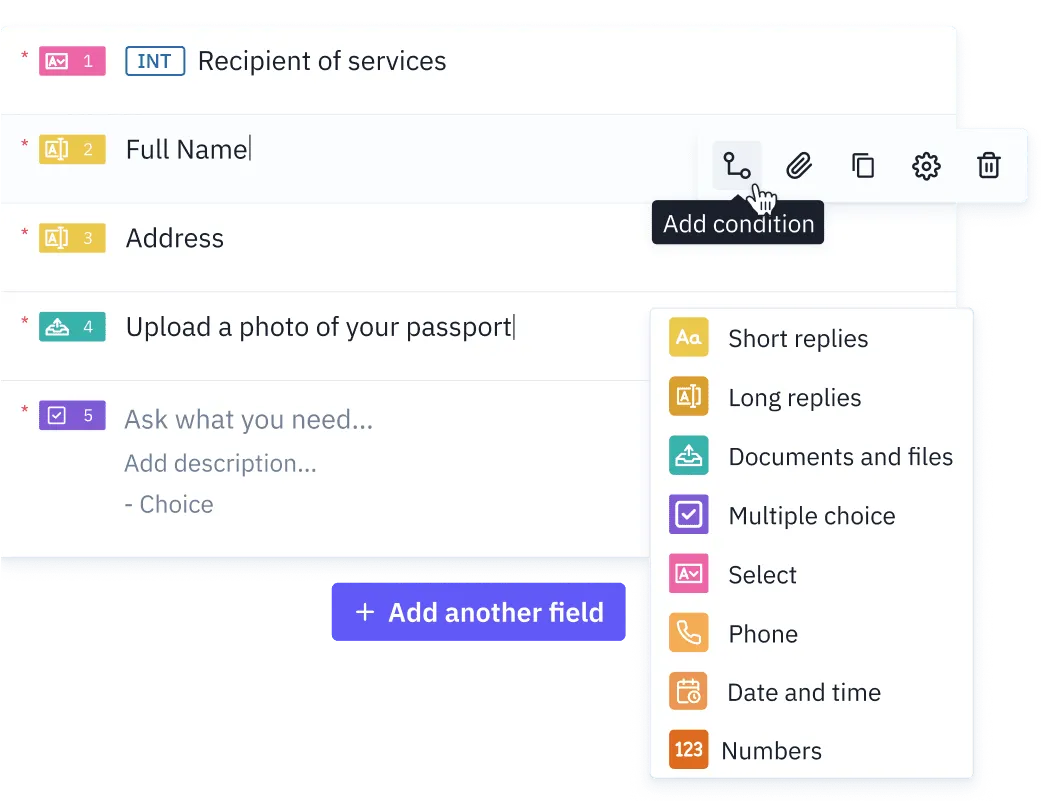
Create your template

Start creating a template for your KYC process, customer or supplier onboarding, or any type of contract you require.

KEY FEATURES
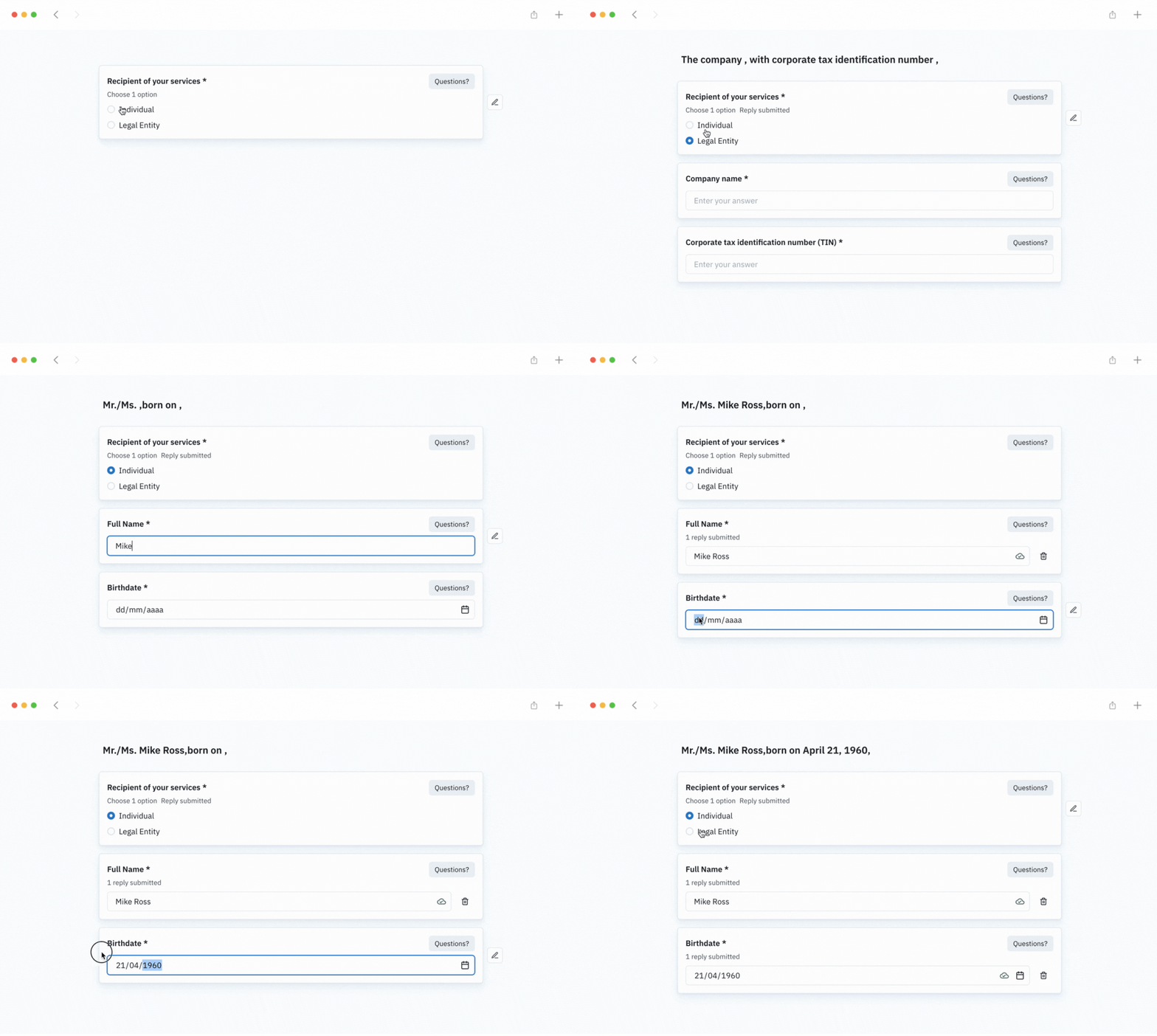
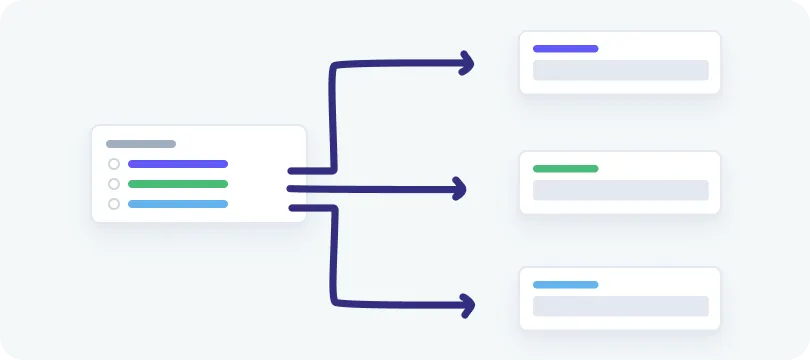
  • Branching questions: Ask only what's necessary, adapting the form based on the answers or choices from your customer.
  • Customized processes: Manage different processes initiated from the same template and turned into unique forms for each client.
  • Internal fields: Add invisible fields to your customer. Use them to fill in information for your internal process.
Illustration representing how to create your template in parallel

Set up the process

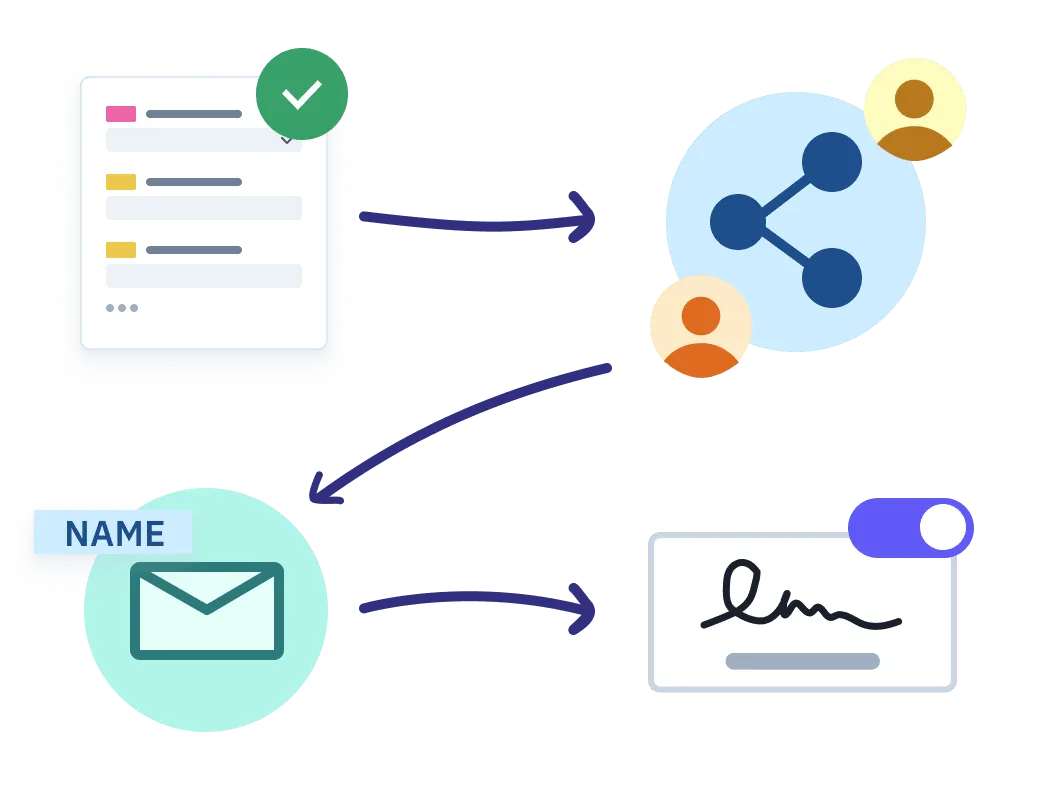
Now that you have the template, you need to customize it according to the process you want to initiate with the client.

KEY FEATURES
  • User access: Invite the team members who will be taking part in the process. You can opt to grant them either editing or viewing permissions.
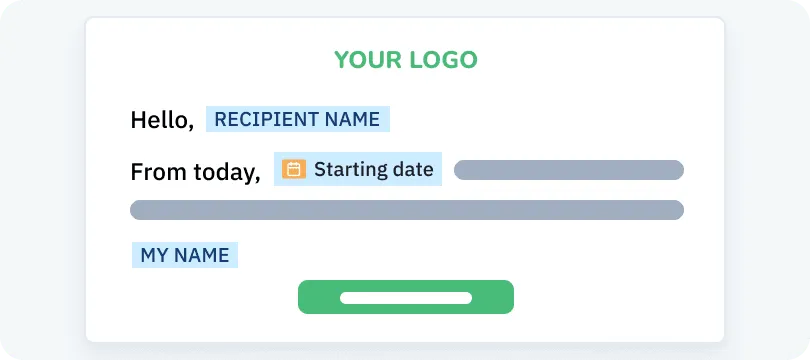
  • Personalized messages: Customize them to convey the start of the information review and its completion, ensuring that all data has been verified.
  • E-signature: If you require a document at the end of the process, you have the possibility of request your client's digital signature. He/she will be able to sign it from a computer, mobile, or tablet.
An illustration representing different options to set up your process

Initiate the process:

KEY FEATURES
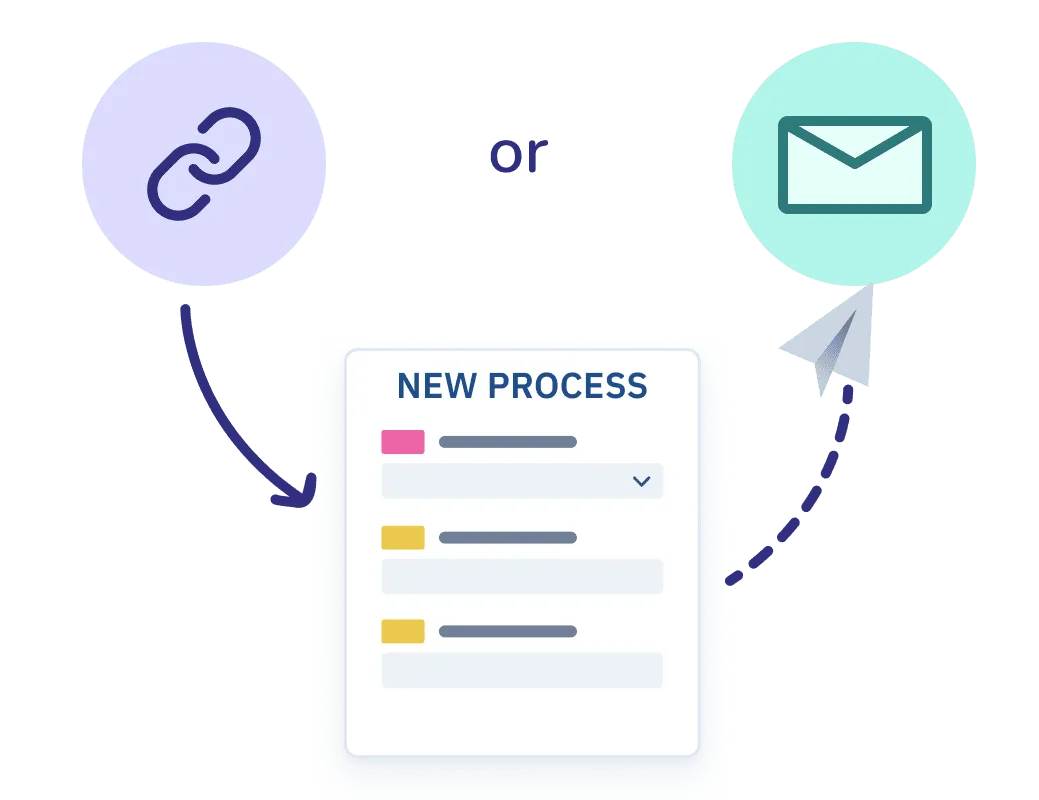
  • Email delivery: Send the form to your client to start filling out the process.
  • Publish your template: Generate a link to paste on your website, client portal, newsletter or anywhere, allowing your clients to initiate new processes automatically.
An illustration representing the different ways to start a process

Tracking

All the information your client fills will be saved in real-time.

KEY FEATURES
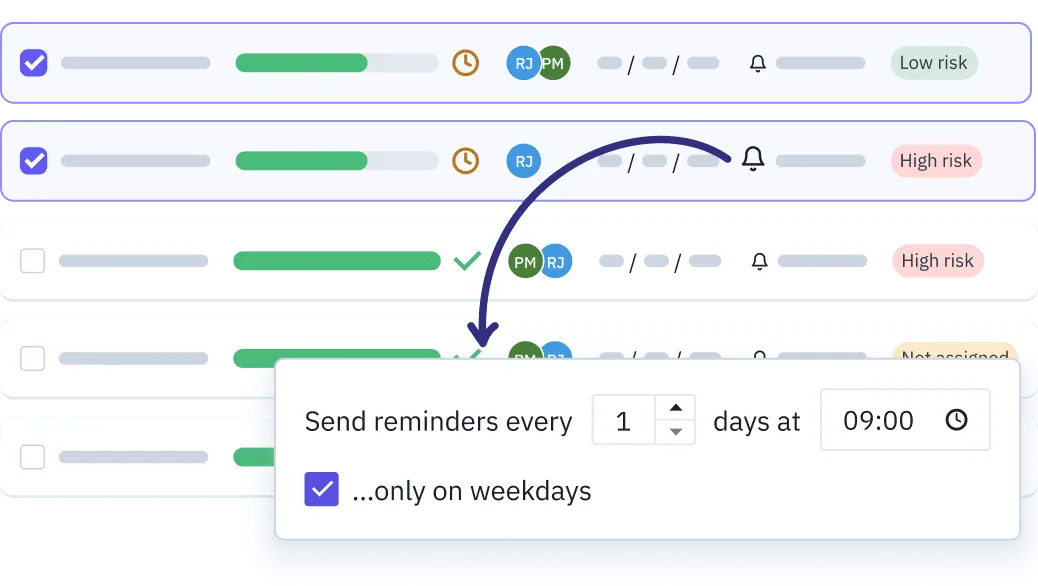
  • Reminders: Automate your follow-up emails and invest your time in more valuable tasks.
  • Notifications: Receive notifications about your new client's activity in the form.
  • Review dashboard: Approve or reject your client's answers if the requested information is incorrect.
An illustration representing the automatic reminders in Parallel

Manage

Organize information in Profiles, the legal CRM to store sensitive data securely, compliantly, and for future reuse.

KEY FEATURES
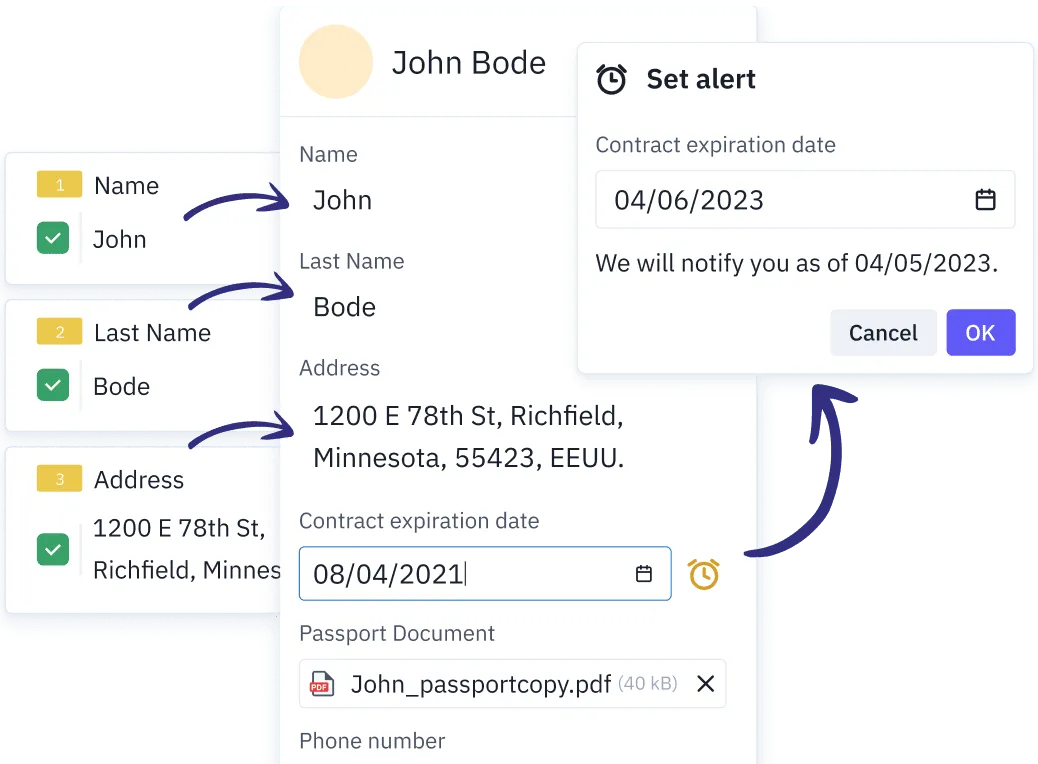
  • Associate information: Connect the information collected in your forms with the profiles, and vice versa, initiate new processes for your client by retrieving preexisting data.
  • Expiration alerts: Set up alerts to review the expiration of different documentation.
  • Compliance period: Comply with GDPR regulations by configuring a retention period for each sensitive data.
See how Profiles works
an illustration representing the import of information from the parallel to the profile

Why they're smart

Power-packed forms that make your team's job a breeze ⚡️

an image representing the custom messages in Parallel

Customizable messages

Configure them in the template to standardize client communications in every new process. Create default messages that personalize each client's experience.

an image representing the conditional logic in Parallel

Branching questions

Add branching questions in your forms to request only the essential information, bypassing the rest. The form will adapt dynamically according to your customer's responses.

an image representing the review dashboard in Parallel

Review dashboard

Go through the responses one by one to approve or reject each incorrect response. You can deactivate this feature if it doesn't fit your processes.

an image representing the automatic reminders in Parallel

Automatic reminders

Manual client tracking is an obstacle to your business. Automate your follow-up emails and invest your time in more valuable tasks.
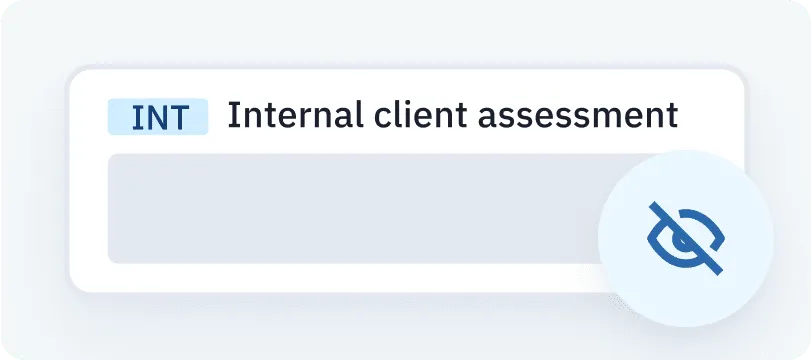
an image representing the internal fields in Parallel

Internal fields

Add invisible fields to your customer. Just like any other field, their displaying could be influenced by your client's responses to the branching questions.
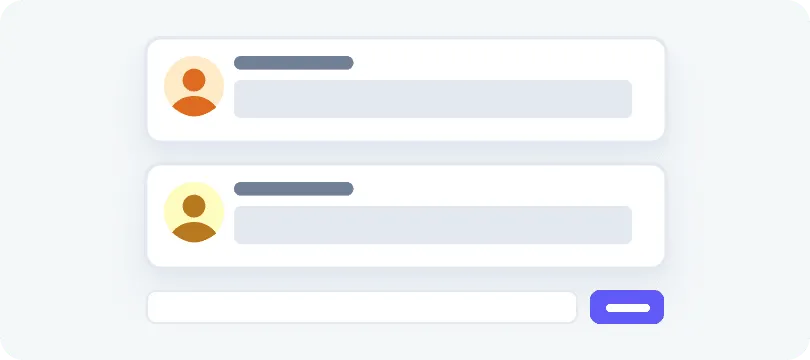
An illustration representing the comments in Parallel

Field comments

Solve any doubt your client may have in each field of the form, if they have any. This will help you gain a better context of what they're asking.

This is how our clients use the forms

Smart forms for smart teams

KYC

Cuatrecasas’ back-office saves 40% of the time, simplifying KYC onboarding

Read story

"Life before Parallel was a series of uncoordinated and not visible generic KYC checklists and scattered documents. Now everything is organized and super easy to manage. And clients have told me they love it too!"
Mireia Sánchez
Mireia Sánchez
Executive Assistant at Cuatrecasas
contracts

A single person in eXp manages the contracts of more than 400 agents

Read story

"Before Parallel, I spent 30% of my time managing contracts and paperwork. Now, I only dedicate 5% of my time to this type of task, leaving me more time to focus on providing clients with great service."

Pablo Getino
Pablo Getino
Real estate agent at eXp Spain
onboarding

Life Extension Ventures revolutionizes the onboarding process with Talenta

Read story

"Previously, it took us 3 to 4 weeks to complete and sign all the paperwork. With Parallel, some investors finished the process in just 10 minutes. We've improved the efficiency of the team, as they can now easily monitor and review, without constant follow-ups."

Adrià Leira
Adrià Leira
Director of Alternative Investments
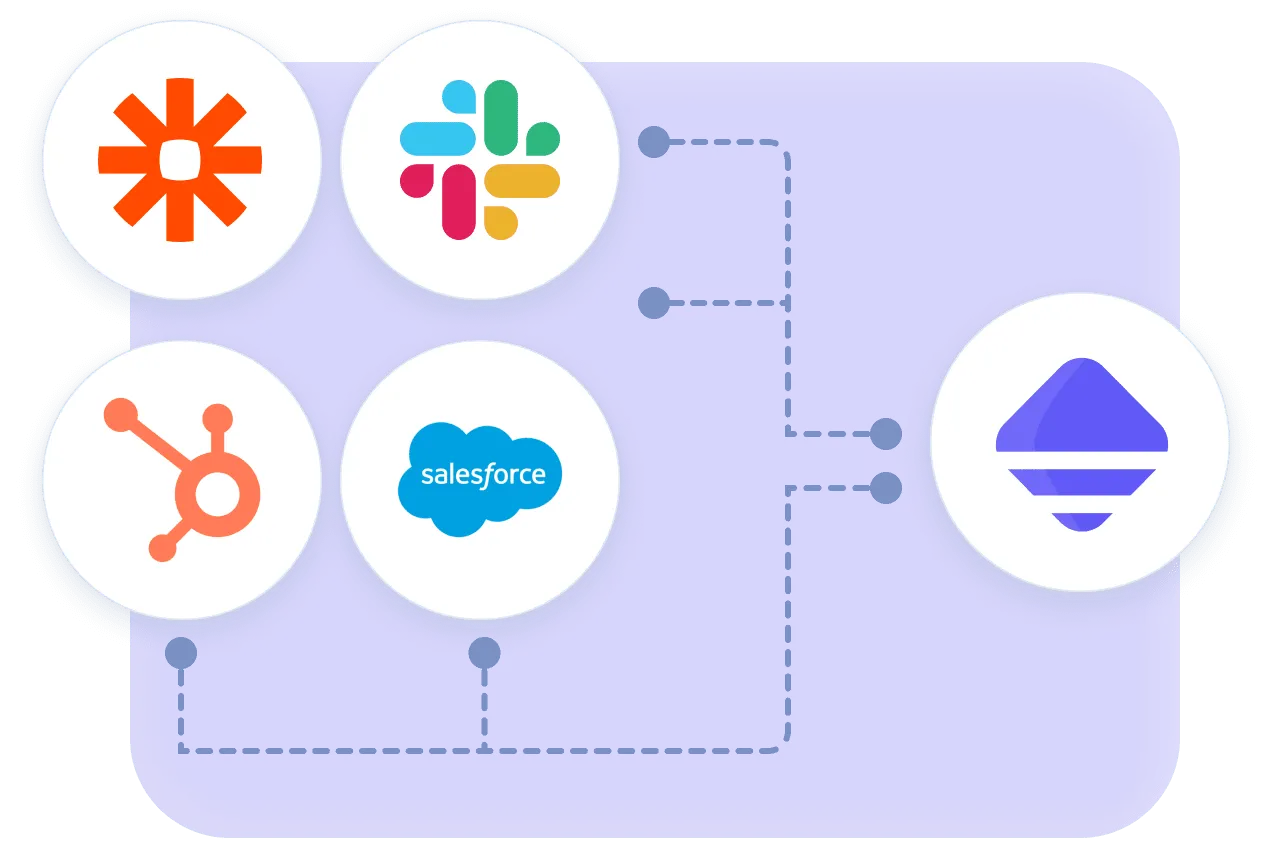
Image representing how you can connect parallel with other tools like Hubspot, Salesforce, Zapier or Slack

Integrations

Create automations and data flows between smart forms and your DMS, CRM, or messaging tool like Slack, using our API.

Book a demo with us

More than 2,000 people have already transformed their teams with Parallel.

Choose what we may collect while you browse. You can change this whenever you want from the link at the bottom of any page.

  • Tools: Intercom

  • Tools: Google Analytics 4, Mixpanel, Canny, HubSpot

  • Essential

    Cookies the site cannot work without, including the one that remembers this choice.

    Always on